Starter Series: Build Your First Game with Unity
No coding experience. No game development background. Just follow along and create a game you can actually play and share.
Course Overview
Have you always wanted to create your own game but didn't know where to begin? This course removes the complexity and focuses only on what you need to build your first playable game.
Instead of spending hours learning theory, you'll learn by doing. You'll create a simple 3D game from scratch, add player movement, implement a coin collection system, display a score, and finally export your game as a standalone application.
By the end of the course, you'll have a completed Unity project and the confidence to continue your game development journey.

Course Curriculum
Build your very first Unity game through a hands-on, step-by-step learning experience. From setting up Unity to exporting a playable game, each module is designed to help you gain practical skills without overwhelming theory.
Whether you're completely new to game development or looking for a structured starting point, this course will guide you through creating a complete 3D game in just 90 minutes.
Module 1: Introduction to Unity, installing Unity Hub & Editor, creating your first project, and navigating the Unity interface.
Module 2: Building your first 3D game world by creating a scene, adding game objects, setting up the camera, and introducing physics with Rigidbodies and Colliders.
Module 3: Writing your first player movement script, handling keyboard input, creating a coin collection mechanic, and building your first gameplay loop.
Module 4: Adding a score UI, enhancing the game with music and a skybox, and exporting your project as a playable Windows (.exe) game.
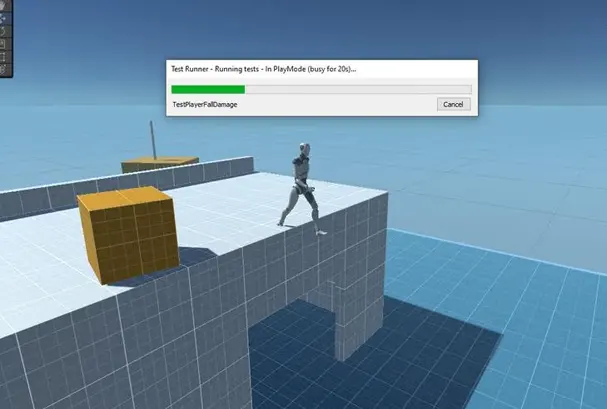
What You’ll Learn
Install and set up Unity correctly
Navigate the Unity Editor confidently
Build a simple 3D game scene
Add physics using Rigidbody and Colliders
Export your game as a playable Windows (.exe) application
Understand the basic workflow of game development in Unity
Who is this course for?
- Students interested in game development
- Complete beginners with no prior experience
- Anyone curious about how video games are made
- Beginners looking for a practical entry point into the gaming industry
- Aspiring Unity developers

Testimonials
Students who have benefitted from our courses

A. Mehta
Learner
I had never opened Unity before, but within an hour and a half, I had a game I could actually play. The lessons were easy to follow and didn't feel overwhelming.

S. Roy
Aspiring Unity User
It helped me understand the Unity interface without drowning me in technical jargon. Building a game while learning made everything click.

P. Nair
College Student
Very easy to follow and surprisingly practical. It gave me a clear idea of how to create a game in Unity.
Start Building Your First Game Today
Make yours today with Starter Series: Build Your First Game with Unity and discover how fun and approachable game development can be. In just 90 minutes, you'll go from complete beginner to creating your very first playable Unity game.